
Understanding Modern Streaming Devices
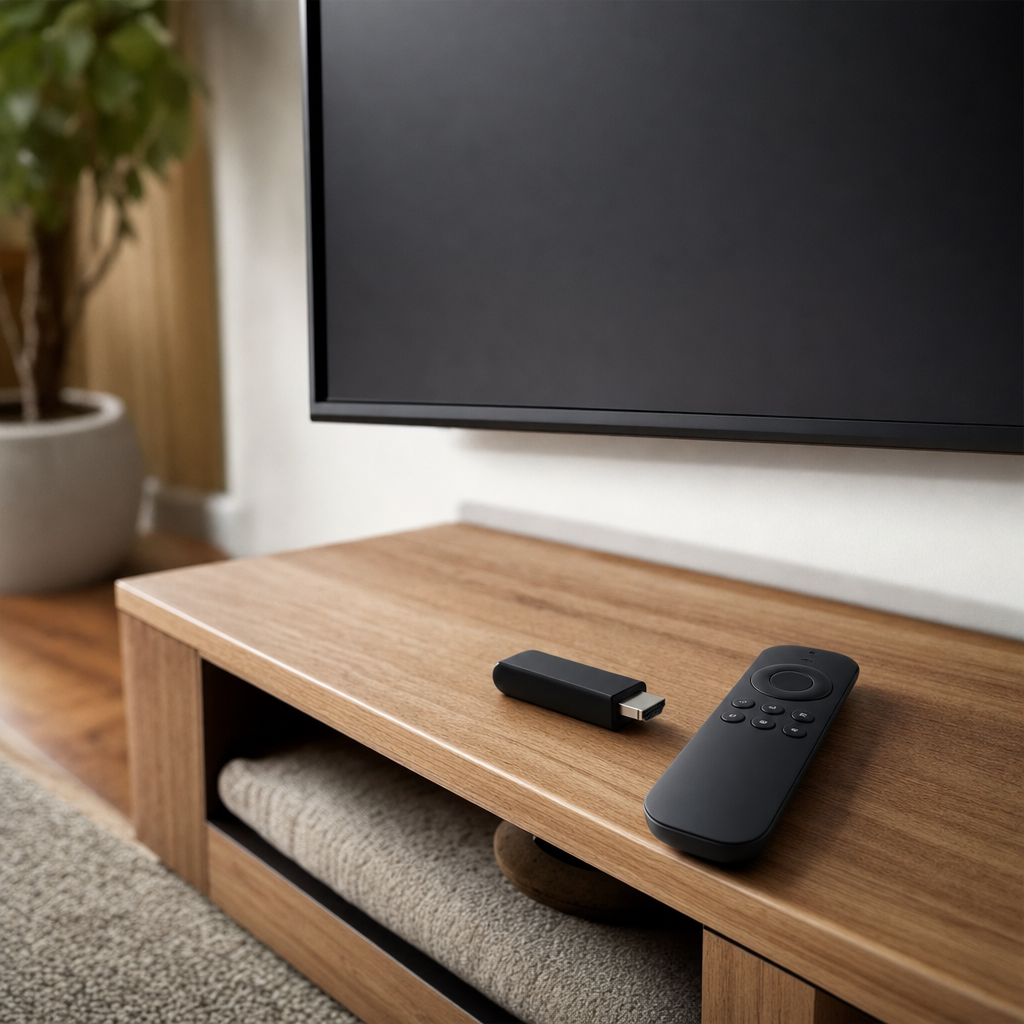
A streaming device is a specialized piece of hardware designed to connect directly to your television, transforming almost any standard or high-definition screen into a smart entertainment hub. These compact gadgets plug into an available HDMI port and connect to your home Wi-Fi network, granting you immediate access to a vast array of digital content through downloadable applications. Instead of relying on traditional cable television subscriptions or bulky physical media players, modern viewers use these versatile boxes and sticks to access on-demand movies, live sports broadcasts, catch-up television networks, and global music streaming services from the comfort of their living rooms.
The marketplace features a diverse array of form factors, ranging from discrete thumb-sized sticks that hide completely behind your television to more substantial set-top boxes that offer enhanced processing power and wired ethernet connectivity. These products generally operate on proprietary or widely supported operating systems, each creating a unique user interface for navigating your favorite entertainment apps. Because different manufacturers prioritize various ecosystems, understanding the underlying technology helps you evaluate which interface feels most intuitive for your daily viewing habits and technical comfort level.
Core Hardware Features to Evaluate
When evaluating potential hardware options, video and audio resolution capabilities represent critical factors that dictate overall picture and sound quality. Most contemporary models support high-definition 1080p output, but premium units routinely offer stunning 4K Ultra HD resolution alongside advanced high dynamic range formats like Dolby Vision and HDR10+. If you own a modern television that supports these enhanced visual standards, pairing it with a capable player ensures you experience vibrant colors, deep contrast ratios, and sharp details across compatible cinematic releases and television series.
Processing power and internal storage capacity significantly influence how smoothly your applications load and execute during extended viewing sessions. Devices equipped with robust multi-core processors and adequate RAM switch between demanding applications instantly, avoiding frustrating lag, stuttering video playback, or sudden system crashes. Furthermore, ample internal storage allows you to download numerous utility apps, games, and media players without constantly managing device memory or deleting your favorite programs to free up space for fresh software updates.
Comparing Popular Ecosystems and Interfaces
The operating system running on your chosen hardware dictates your daily user experience, content discovery methods, and app availability. Major technology companies have developed distinct platforms that organize content differently, ranging from search-centric layouts that pull suggestions across all your installed apps to traditional grid-based menus that showcase individual channel icons. Some platforms prioritize neutral content aggregation, making it effortless to find where a specific movie streams regardless of the service provider, while others heavily emphasize their own proprietary ecosystems and promotional material.
App compatibility remains a vital consideration because minor streaming networks, regional television apps, and niche international services might not support every operating system equally. While mainstream platforms like Netflix, Disney+, and YouTube enjoy universal availability across almost all hardware, smaller independent networks frequently release updates for dominant platforms first. Reviewing the app store associated with a specific device ensures you will not encounter roadblocks when trying to access your preferred subscription services or local broadcast applications.
- Check your television’s maximum supported resolution to avoid paying for 4K capabilities your screen cannot display.
- Verify remote control features, noting whether you prefer voice search functionality or dedicated shortcut buttons.
- Consider connectivity needs, choosing between standard wireless adapters and models with dedicated ethernet ports for reliable networking.
Remote Controls and Smart Home Integration
The included remote control serves as your primary physical link to your entertainment system, making its ergonomic design and button layout surprisingly important. Modern remotes often transition away from traditional cluttered numeric keypads in favor of minimalist designs featuring directional pads, volume controls, and dedicated shortcut buttons for popular applications. Many advanced remotes also integrate microphones for voice search, allowing you to speak titles, actor names, or genre requests directly into the microphone rather than laboriously typing out search queries with an on-screen keyboard.
Smart home integration has also transformed standard hardware into versatile automation hubs that communicate with other connected appliances in your household. Many contemporary models support popular voice assistants, enabling you to control your television playback hands-free, dim compatible smart lights, or check security camera feeds directly on your television screen. This level of interconnectivity turns your entertainment setup into a central command station, streamlining everyday household routines while you enjoy your favorite evening programming.
Making Your Final Decision
Choosing the ideal hardware for your household ultimately depends on balancing your technical requirements, aesthetic preferences, and overall budget limitations. If you simply want to upgrade a secondary bedroom television with basic smart capabilities, an affordable compact stick offers remarkable value without unnecessary complexity. Conversely, cinephiles and tech enthusiasts with advanced home theater setups featuring high-end surround sound and 4K projectors will benefit immensely from investing in premium set-top boxes that maximize audiovisual fidelity.
Taking time to assess your existing home network infrastructure, audio receiver capabilities, and preferred subscription services prevents common buyer’s remorse issues down the road. Remember that software updates frequently improve device performance over time, but starting with hardware that meets your immediate technical specifications guarantees a satisfying viewing experience from day one. By weighing these practical factors carefully, you can select a reliable entertainment companion that serves your household reliably for years to come.
Frequently Asked Questions
Do I need a smart TV to use a streaming device?
No, streaming devices connect via standard HDMI ports, meaning they can turn any older ‘dumb’ television with an HDMI input into a fully featured smart TV.
What internet speed do I need for smooth 4K streaming?
Most major video platforms recommend a stable broadband internet connection of at least 25 megabits per second to successfully stream movies and shows in 4K Ultra HD resolution.
Can I use these devices while traveling?
Yes, compact streaming sticks are highly portable and easily plug into hotel or vacation rental televisions, provided you have access to a stable Wi-Fi network and a power source.
Are there ongoing monthly fees required to use a streaming device?
The hardware itself does not require a subscription fee to operate, though you will still need to pay for individual app subscriptions like Netflix or live television services.
Article Was Generated By AI.